Local-first · open source · works on your Logseq graph

The same graph.
A faster outliner.

Tine is a fast, local, Logseq-compatible outliner. It reads and writes the same Markdown files Logseq does — so you can switch between the two whenever you like, with no import, no export, and no lock-in.

Free & open source (AGPL-3.0). Linux is the primary, best-tested platform today; macOS & Windows builds are newer. Not yet 1.0.

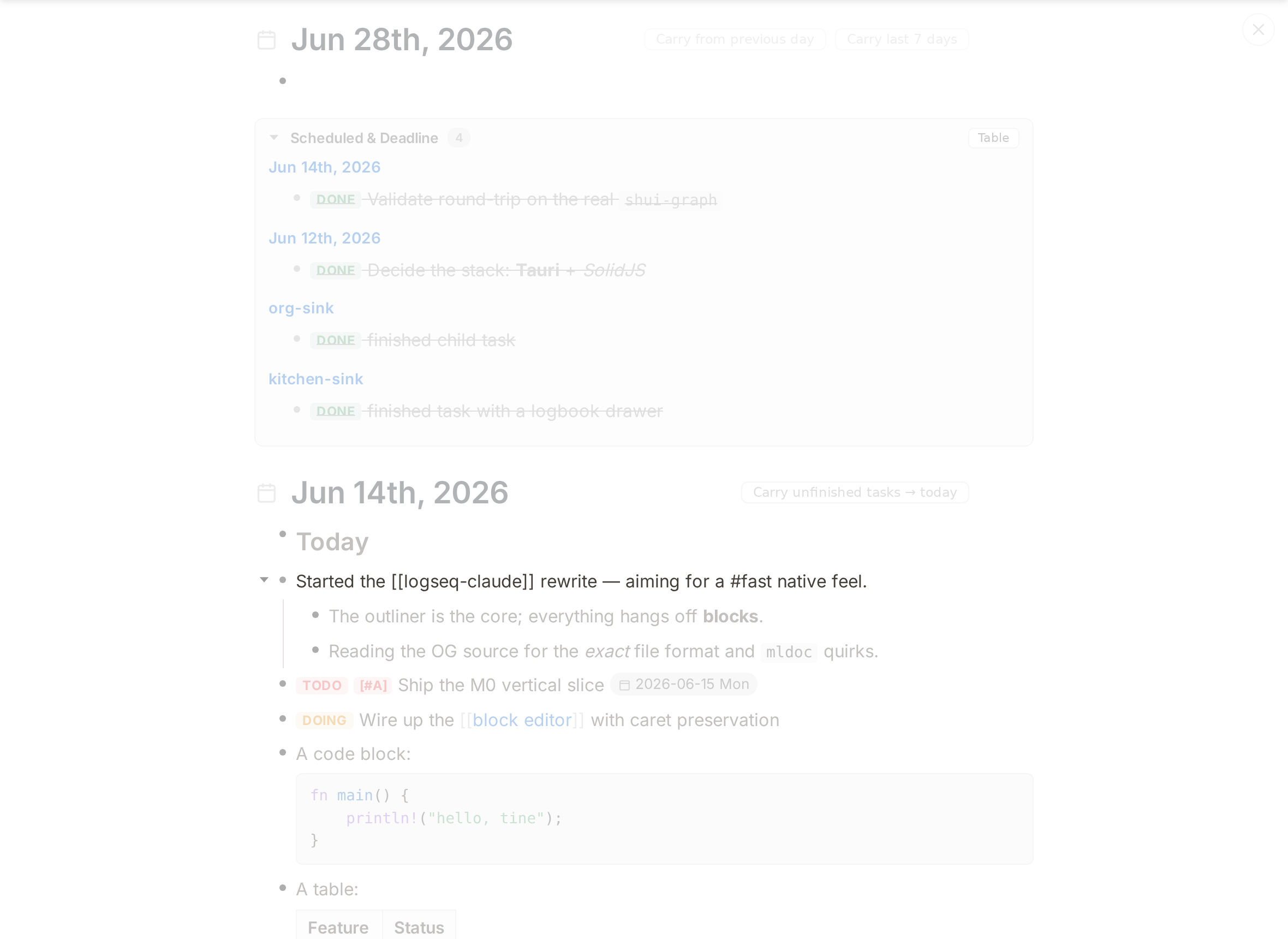
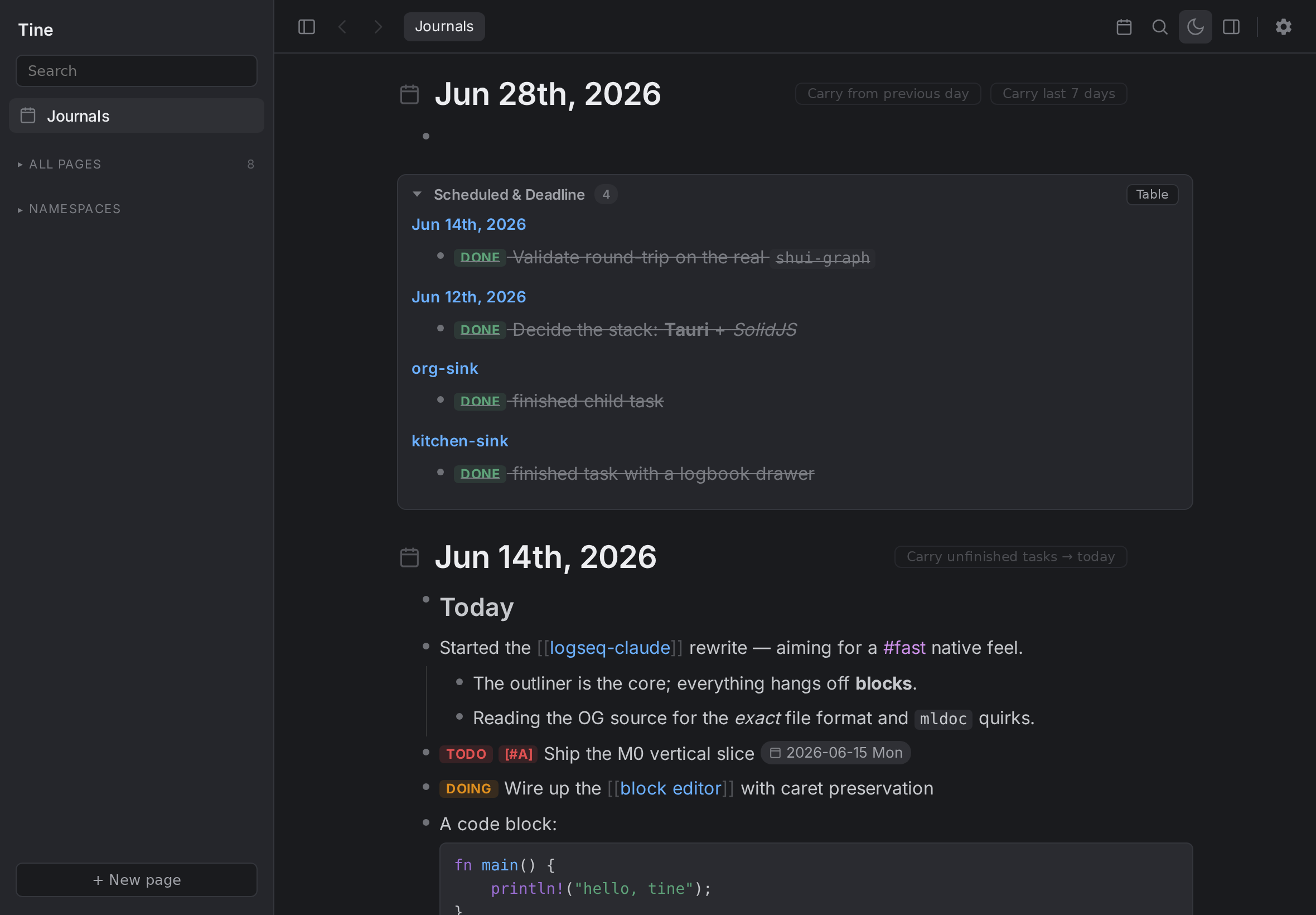
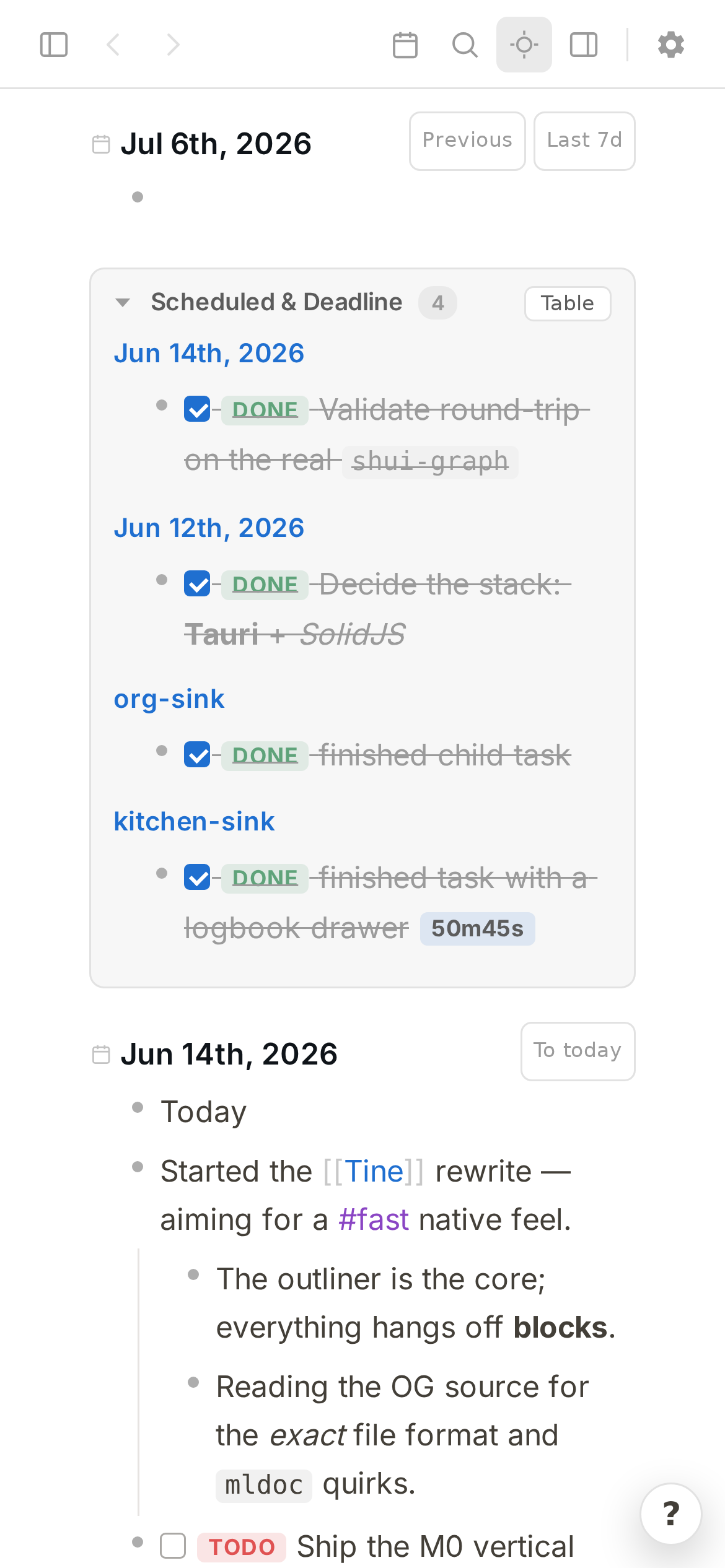
Tine showing a multi-day journal feed

Built to sit beside Logseq — not replace it

We're long-time Logseq users and we have a lot of respect for what that project pioneered. Tine isn't a fork and it isn't a clone trying to pull you away. It's an independent reimplementation that deliberately targets Logseq's on-disk format, so your notes stay exactly where they are — plain Markdown files you fully own.

Logseq
Tine
  • Point Tine at the journals/, pages/, assets/ and logseq/config.edn you already use.
  • Edit in either app — one at a time — on the very same files.
  • Saves are byte-compatible Markdown that preserve your formatting, so they don't create sync churn.
  • Keeps working alongside the Logseq mobile app (or fastlog) over your own Syncthing/Dropbox sync.
  • Not affiliated with or endorsed by Logseq — just compatible with it, on purpose.

What Tine adds on top

These started as "I wish Logseq did this." They're the reasons Tine exists beyond raw speed — and you get them without giving up a single feature of your file format.

Native speed

A pure-Rust core and fine-grained SolidJS reactivity in a tiny Tauri/WebKit runtime — no Electron, no virtual-DOM churn. Typing stays in the frontend; whole-graph reads hit an in-memory index. It stays quick on large graphs.

🗂️

Built-in tabs

Middle-click any bullet, page, or search hit to open it in a background tab. Pin, drag-reorder, Mod+W to close. Pins survive a restart.

🎯

Focus mode & dim

Hide the chrome and fade everything but the block you're working on, with layered Esc. A calmer way to write a long note.

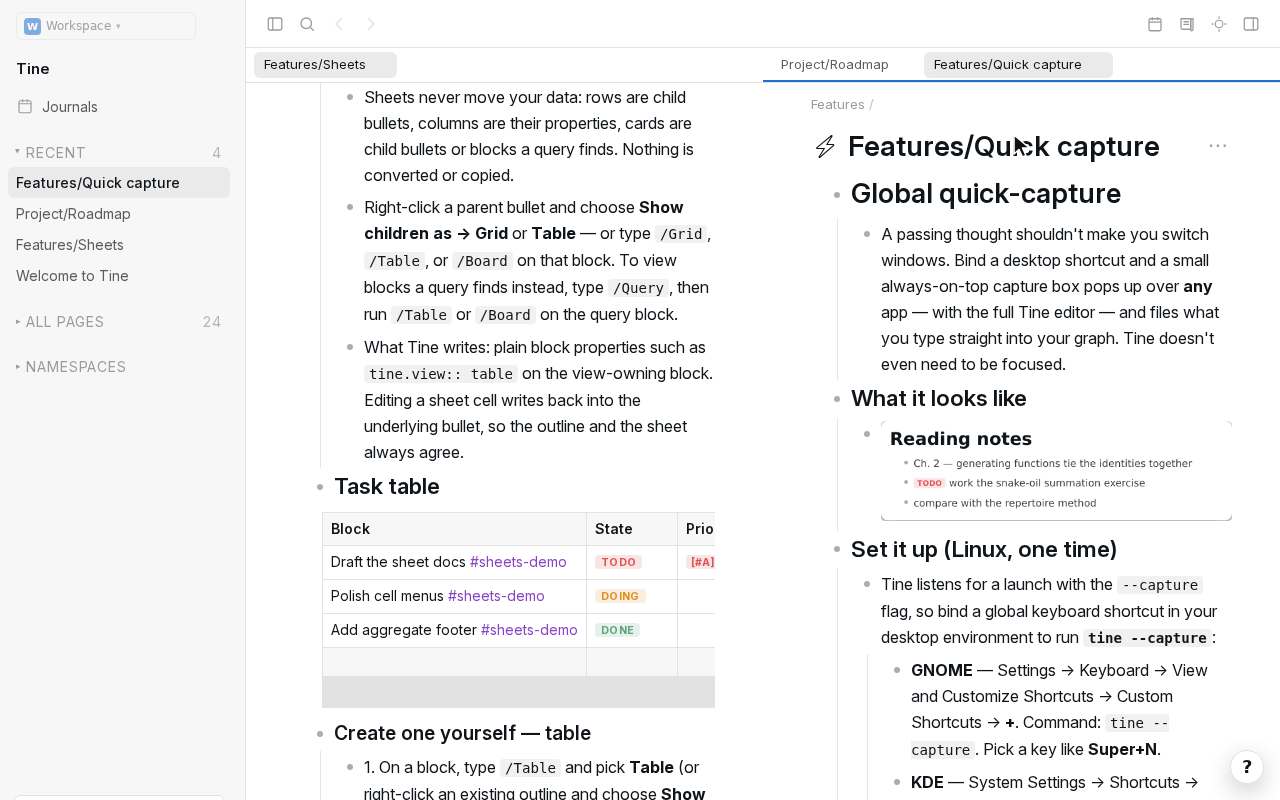
Global quick-capture

Bind a desktop hotkey and a small always-on-top box pops from any app — with the full editor — and files a bullet to today's journal. Even when Tine isn't focused.

🔁

Carry tasks forward

Roll unfinished tasks into today (last 7 / 30 / 365 days or a custom window), optionally keeping their ancestor context.

🛟

A real data-safety story

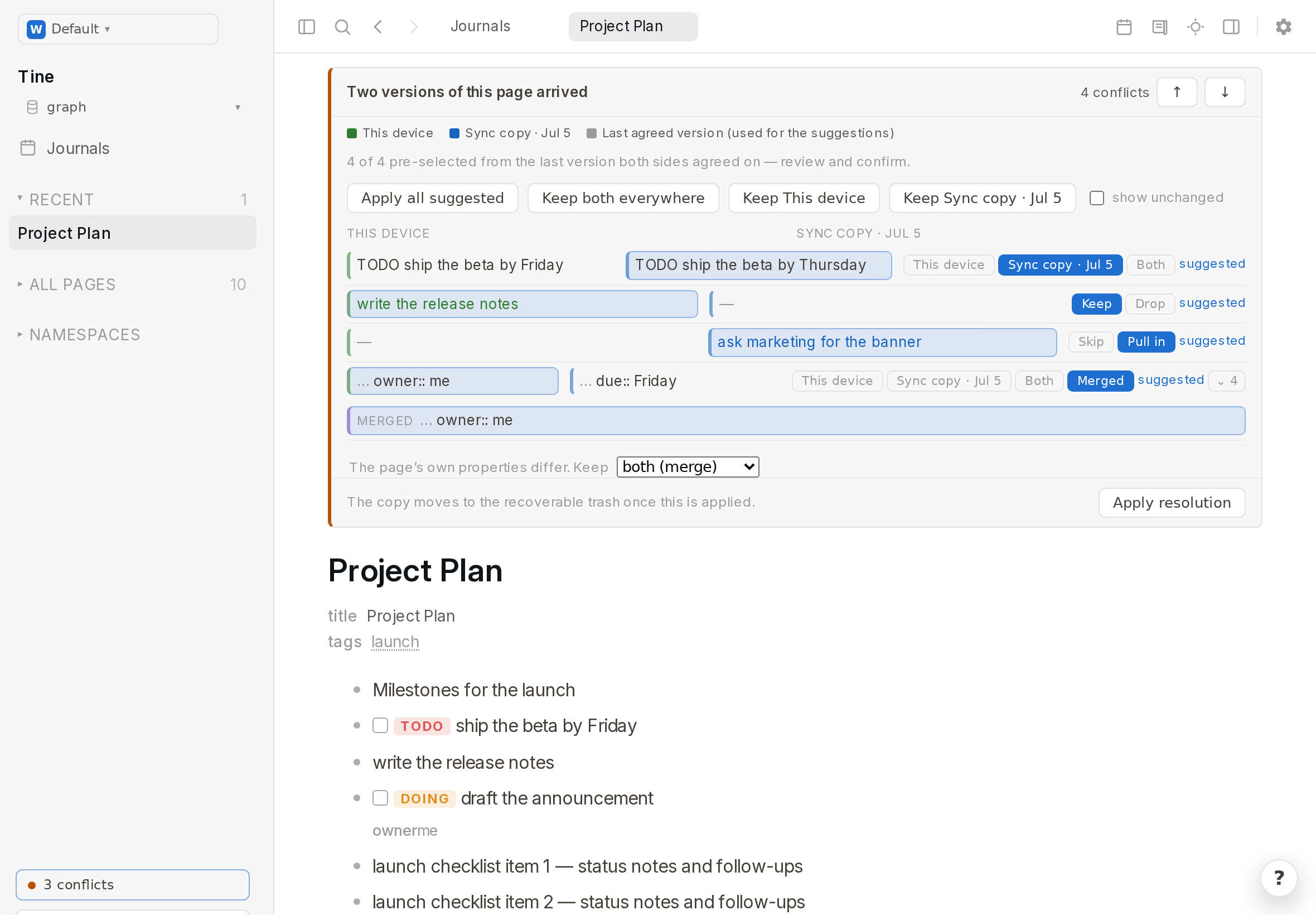
Conflict detection instead of silent overwrites, launch snapshots with one-click restore, delete-to-trash, and transactional renames. Built to live safely on a graph you also edit from your phone.

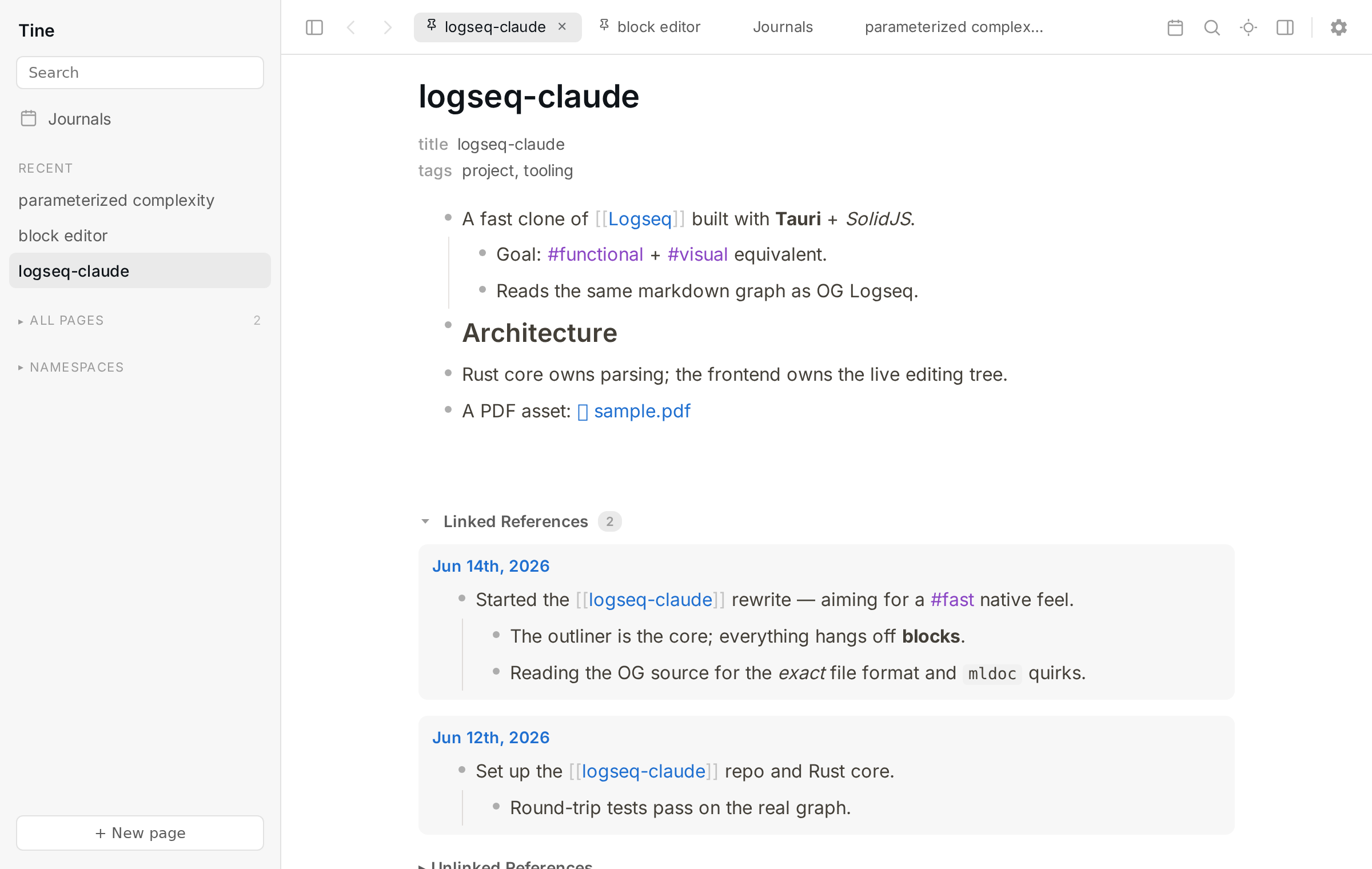
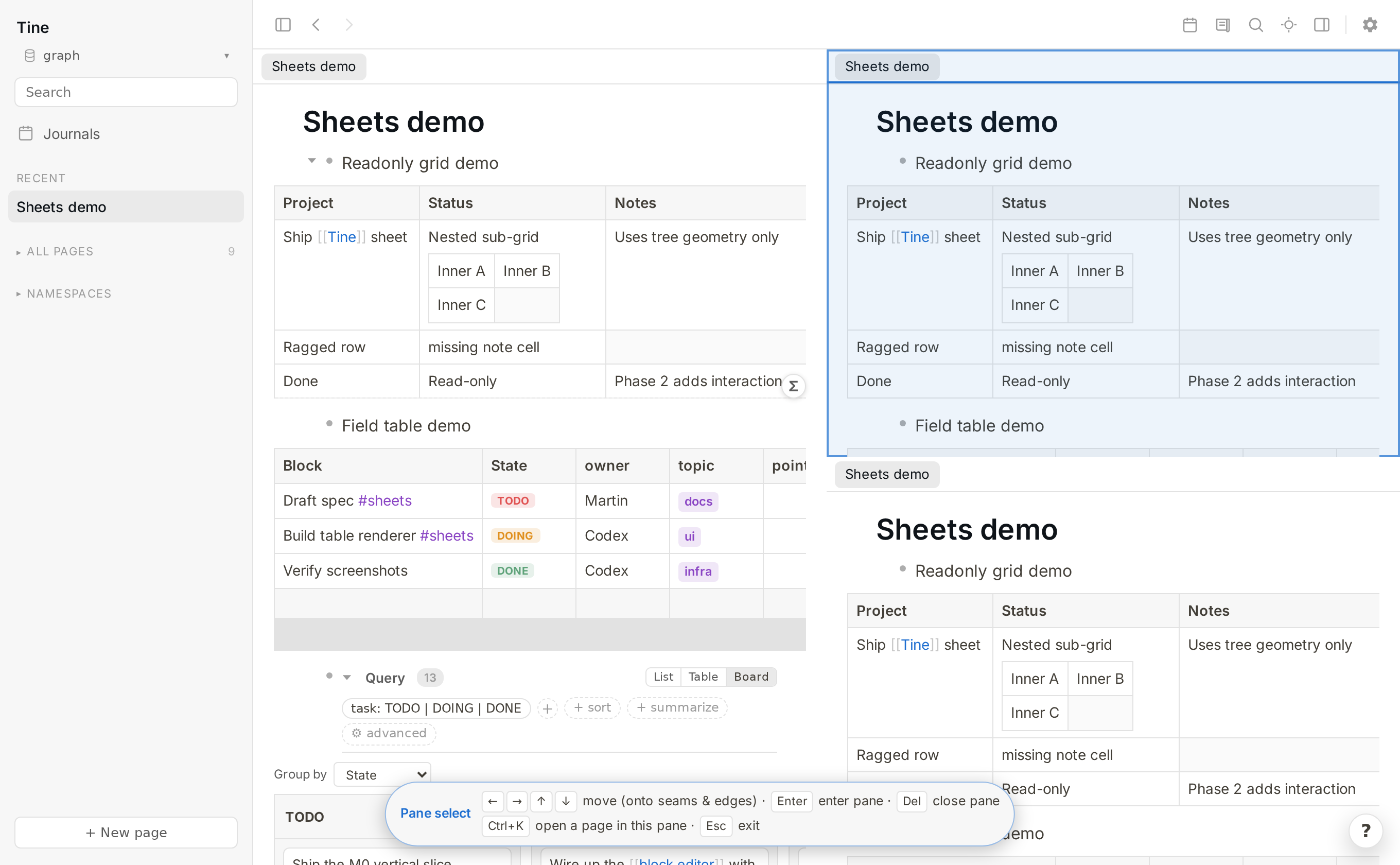
Built-in tabs across the top of the window
Built-in tabs
Focus mode with inactive blocks dimmed
Focus & dim
The global quick-capture window before typing, showing the optional page-title hint Quick-capture with a page title filled in, capturing to a new page
Global quick-capture — empty, then captured to a new page
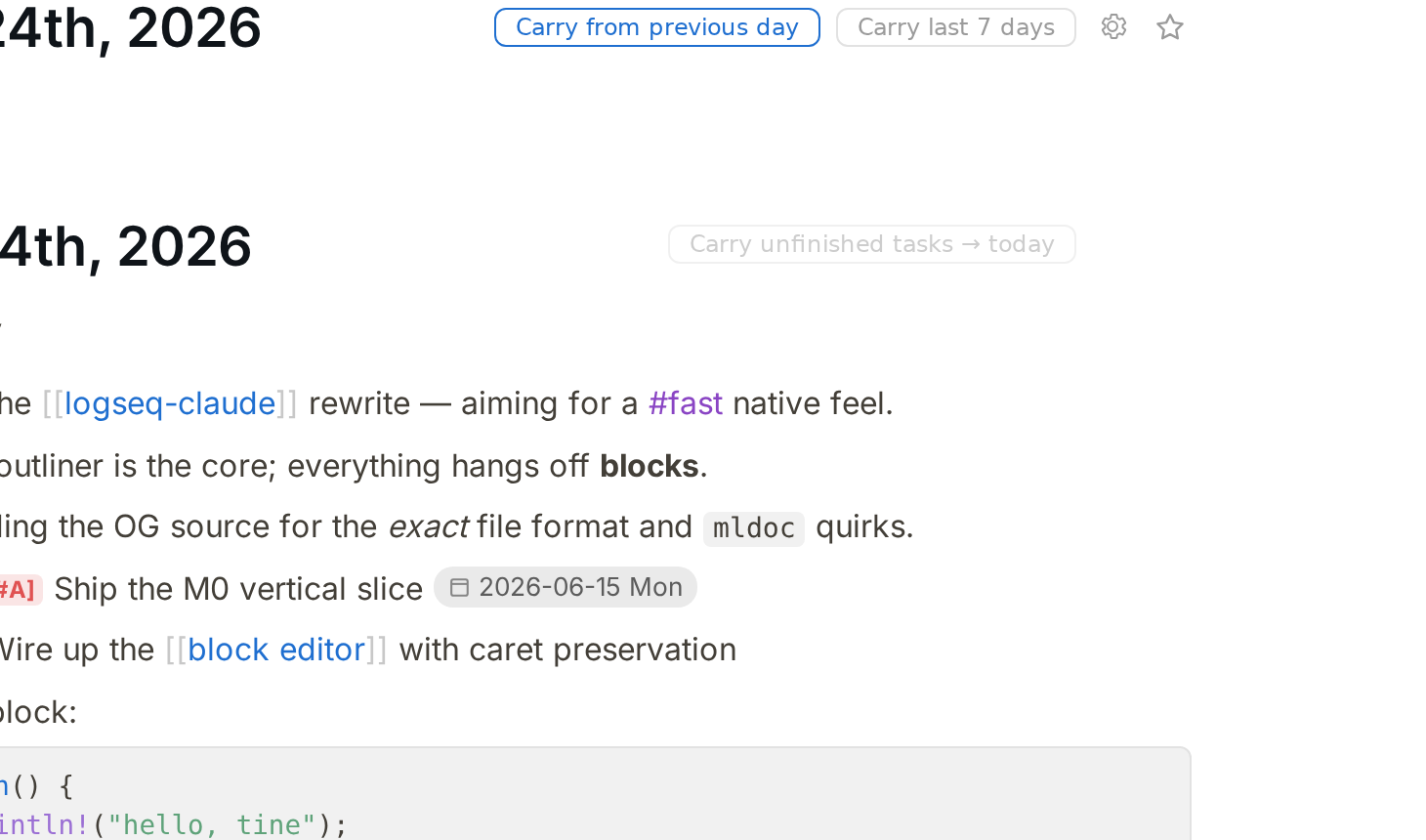
Carry unfinished tasks forward to today
Carry tasks forward
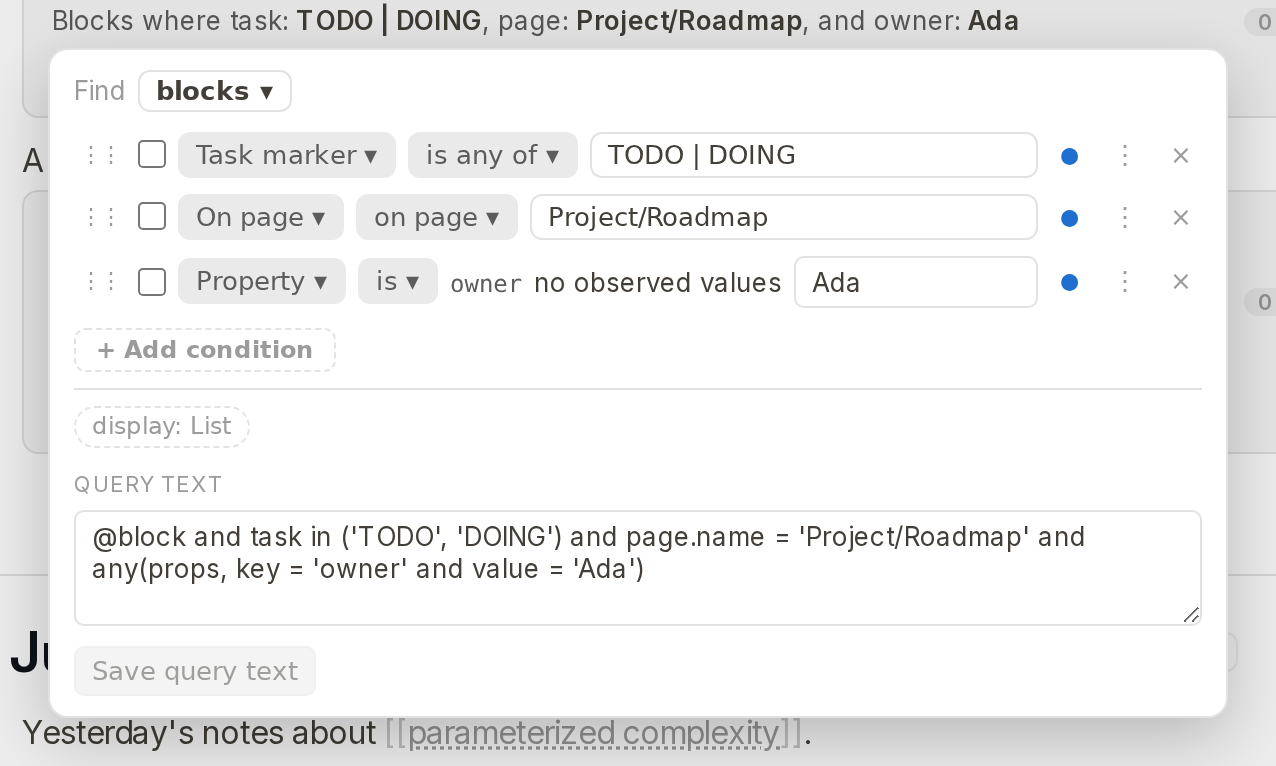
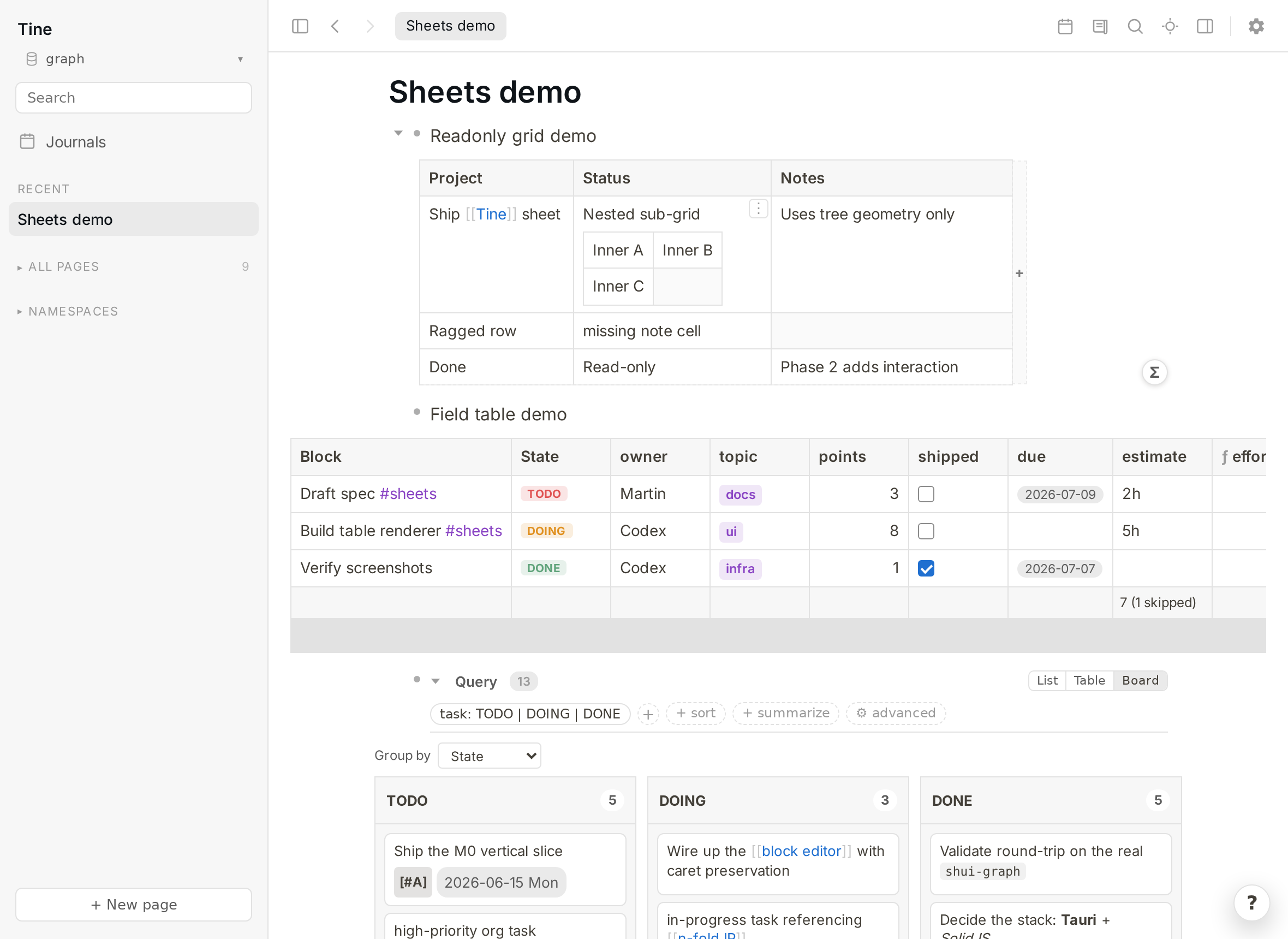
Query results and the visual query builder
Queries & visual builder
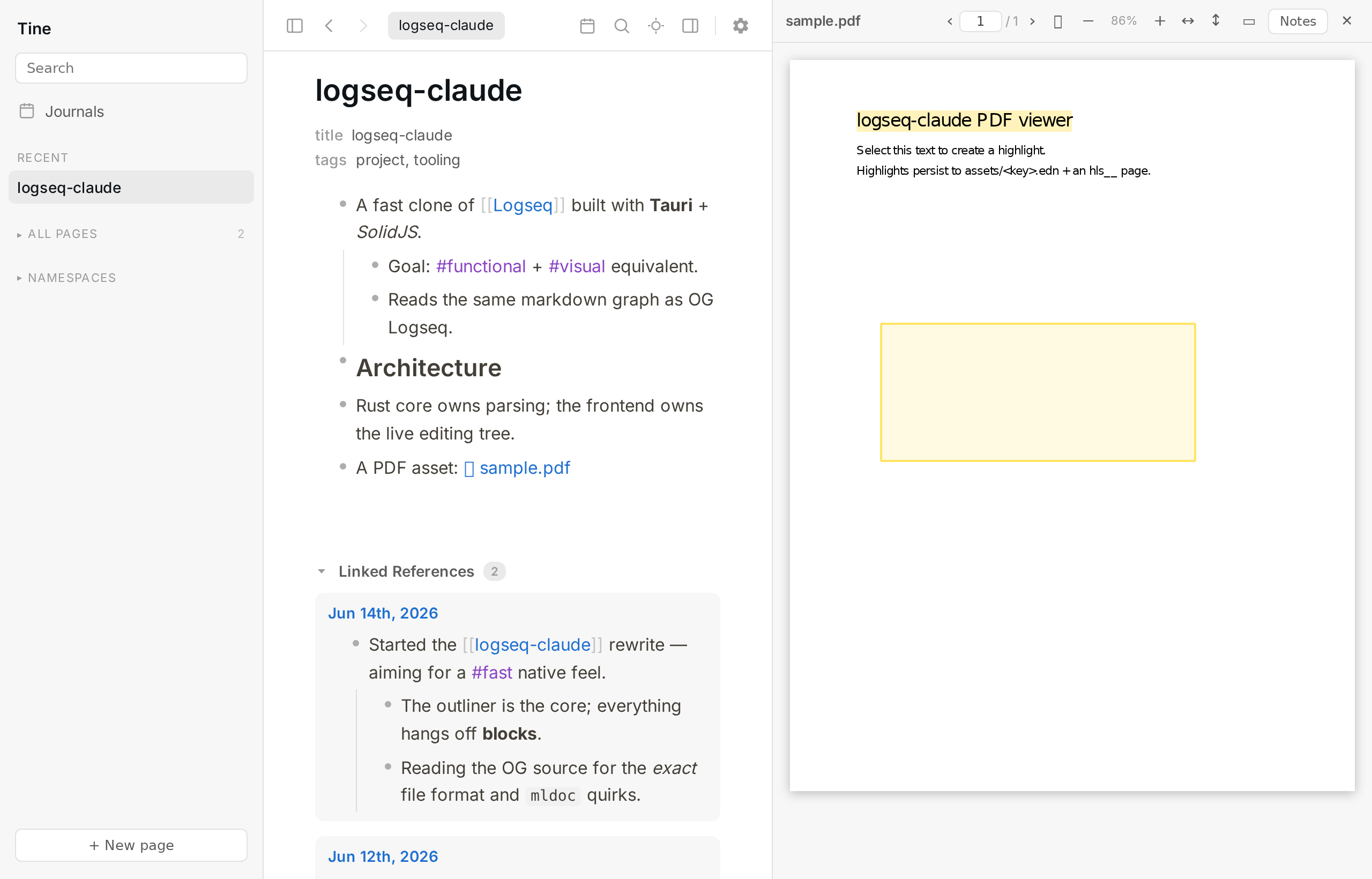
PDF text and area highlighting with a notes page
PDF annotation

Light or dark — it follows your system

Tine ships a polished dark theme and switches with your OS, or you can toggle it yourself. Your custom Logseq CSS and themes apply just the same.

Tine's journals feed in dark mode

Better defaults — always one click back to Logseq

Where we think a default can be improved, we change it — but we never take the choice away. Anything Tine does differently from Logseq is clearly badged Differs from Logseq in Settings, with a one-click ↩ Match Logseq button. Your muscle memory is safe.

  • Copy only the selected blocks — selecting just a parent no longer copies its whole subtree. (Logseq copies the subtree — one click to restore.)
  • Strip collapsed:: on copy so a paste into a text editor is clean. (Toggle off to match Logseq.)
  • Click a block reference to scroll to it in place, or switch back to Logseq's zoom-in behavior.
  • Link-autocomplete default — create a new page (like Logseq) or link the first match.
  • Fully remappable keyboard shortcuts — in Settings or via config.edn :shortcuts.
  • Journal date format, file-format, and watcher mode — all read from your config.edn and adjustable in-app.
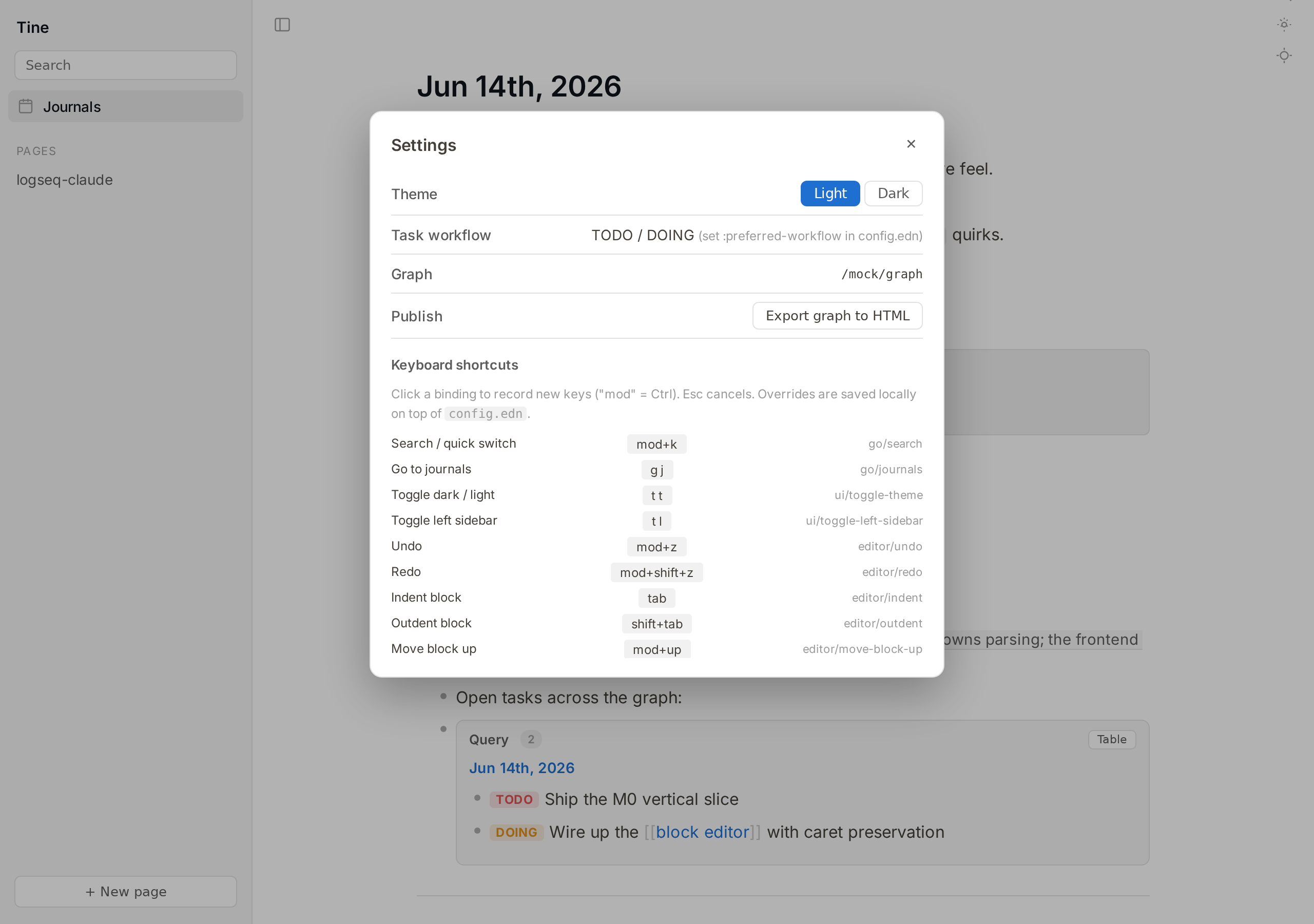
Settings panel showing remappable shortcuts and revertable options

What Tine doesn't do — for now

Tine is a faster outliner, not a wholesale replacement for Logseq. A few things are deliberately out of scope. For those, just keep using Logseq on the same graph — running both is the whole idea.

Whiteboards

The spatial canvas isn't part of Tine.

Flashcards / spaced repetition

No SRS review. Your #card blocks are preserved in the files, just not drilled.

Plugins & the marketplace

No @logseq/libs plugin runtime. Custom CSS and themes do work.

Built-in git / sync

Bring your own — Syncthing, Dropbox, git. Tine just reads and writes the files.

A native mobile app

Tine is desktop. On the go, use the Logseq mobile app — or fastlog — on the same synced graph.

On the radar, not yet shipped: a graph view, configurable typographic auto-replace, and broader coverage of advanced (Datalog) queries.

Built by AI, in the open

Tine is vibe-coded — built by Claude Opus, with help from Codex, under human direction and review. We're not hiding that, and we're not making a thing of it either; it's simply how Tine is made.

AI-built software makes some people wary — fair enough. So Tine is made to be checked, not taken on faith:

  • Open source (AGPL-3.0) — every line is on GitHub to read or audit.
  • Your files, your graph — it only ever touches plain Markdown you already own.
  • Deliberately careful with your data — it detects outside changes and flags conflicts instead of overwriting, keeps launch snapshots, and deletes to a recoverable trash.
  • No lock-in — it round-trips byte-for-byte with Logseq, so you can walk away at any time and lose nothing.

Point it at a copy of your graph and judge it by how it behaves.

Try it on a copy of your graph

Because Tine works on standard Logseq files, the safest way to try it is to point it at a copy of your graph and see how it feels. Nothing to import, nothing to migrate.